YouTube Titles & Tags: How to Get More Views in 2026
Two videos on the same topic can get very different views because of what people see before they click: the title, the thumbnail and the first lines of the description. Tags help YouTube understand the video, too. This guide shows how to write YouTube titles and tags that bring more views in 2026, with free tools that do the heavy lifting: the YouTube title generator and the YouTube tag generator.
YouTube limits at a glance
| Field | Limit | What viewers see |
|---|---|---|
| Title | 100 characters | about the first 60–70 in search |
| Description | 5,000 characters | the first 1–2 lines |
| Tags | 500 characters in total | hidden |
| Thumbnail | 1280 × 720 px, JPG or PNG | everywhere |
How to write a title that gets clicks
- Put the main keyword first. Write what people actually search, for example "compress video for WhatsApp", not a clever phrase they will never type.
- Promise a clear result. "in 1 minute", "without an app", "step by step" tell people what they get.
- Keep the important part in the first 60 characters, so it is not cut off on phones.
- Add a number or the year when it helps: "7 Free Tools…", "…in 2026".
- Do not clickbait. If the video does not deliver what the title promises, people leave quickly and YouTube shows it less.
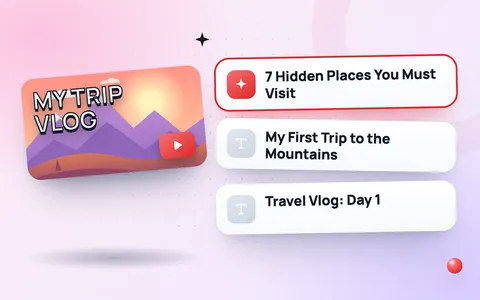
Stuck for ideas? Type your topic into the YouTube title generator to get title ideas for tutorials, lists, reviews and Shorts, with a character counter. For Shorts, try the Shorts title generator.
How to add the right tags
YouTube says tags play a small role in discovery, but they still help with misspellings, other names for the same thing and long-tail searches.
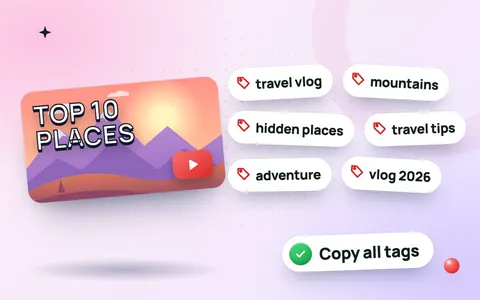
- Open the YouTube tag generator and type your video title.
- Add your channel name and any extra keywords.
- Click Generate tags, remove any tag that does not match the video, then click Copy tags.
- In YouTube Studio, open the video, click Show more and paste them into Tags.
Good tags are specific: your main keyword, two or three variations, and your channel name. Twenty unrelated popular tags do more harm than good.
Write the first lines of the description
- Repeat the main keyword naturally in the first sentence.
- Add a link to the page or product the video is about.
- Use 2–3 hashtags at the end. Find relevant ones with the hashtag generator.
- Add chapters (00:00 Intro, 01:10 Step 1…) so viewers can jump to the part they need.
Do not forget the thumbnail
The title and thumbnail work as a pair. Read the YouTube thumbnail size guide and resize your image to 1280 × 720 with the thumbnail resizer.
Frequently asked questions
How long should a YouTube title be?
Up to 100 characters are allowed, but keep the key words in the first 60 so they show on phones and in search.
Do YouTube tags still matter in 2026?
A little. They help with misspellings and alternative search terms, but your title, thumbnail and description matter much more.
How many tags should I use on YouTube?
Use 5–15 relevant tags and stay within the 500-character limit. Quality beats quantity.
Can I change a video title after uploading?
Yes. In YouTube Studio, open the video's Details, edit the title and save. Testing a clearer title can increase views on older videos.