
How to validate JSON
- Paste your JSON into the input box above.
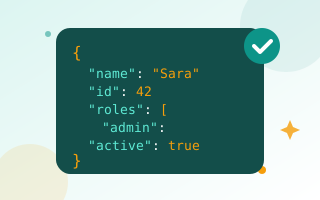
- Click Validate. Valid JSON shows a green tick; invalid JSON shows the error with its line and column.
- Fix the error, validate again, then click Beautify or Minify.
The most common JSON errors
- Trailing comma:
{"a": 1,}. Remove the comma after the last item. - Single quotes:
{'a': 'b'}. JSON requires double quotes. - Unquoted keys:
{a: 1}must be{"a": 1}. - Comments:
//and/* */are not allowed in standard JSON. - Missing brackets: every
{and[needs a closing partner. - Invalid values:
undefined,NaNand functions are not valid. Usenull.
Who uses a JSON validator?
Developers testing API responses, marketers editing tracking configs and schema markup, and anyone working with settings files for apps, plugins or automation tools. Invalid JSON often breaks a whole feature silently, so checking it first saves time.
Private by design
Validation runs in your browser, so API keys, tokens and customer data in your JSON never leave your device. Need to encode data? Try the Base64 encoder or URL encoder.
Frequently asked questions
How do I know if my JSON is valid?
Paste it and click Validate. You will see either a success message or the first error with its line and column.
Can JSON contain comments?
Standard JSON does not allow comments. Some tools accept JSONC or JSON5, but most APIs do not.
Is my JSON uploaded?
No. Validation happens in your browser.