
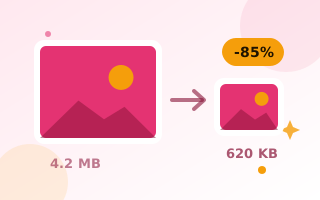
Compress photos to 100 KB, automatically
100 KB is a sweet spot: small enough for most upload limits and fast web pages, yet large enough to keep photos sharp. Drop your images and the tool finds the highest quality that fits under 100 KB for each one.
How it works
- Drop your images above. The target is already set to 100 KB.
- The tool tests quality levels and, only if necessary, gently reduces dimensions.
- Download each image or use Download all.
Good uses for 100 KB images
- Online applications that ask for a photo “under 100 KB”
- Website and blog images: most content images should be under 100–200 KB for good page speed
- Email newsletters, where heavy images slow loading
- Marketplace listings on sites with upload caps
Keep quality high
For website use, first resize the photo to the width it will be shown at (1200–1600 px is plenty for most layouts) using the image resizer. A resized photo can keep far more detail at 100 KB than a full 4000 px camera image. Want a modern format? Set the output to WebP for even better quality at the same size.
Also available: compress to 50 KB and compress to 200 KB.
Frequently asked questions
How do I compress a JPG to 100 KB?
Drop the JPG into this tool. The target is preset to 100 KB, and the tool finds the best quality that fits.
Can I get WebP output at 100 KB?
Yes. Choose WebP as the output format. WebP usually looks better than JPG at the same size.
Are my photos uploaded?
No. Compression runs entirely in your browser.