
Developer Tools
Everyday utilities for developers and site owners: format JSON, minify code, encode data and generate passwords or QR codes.
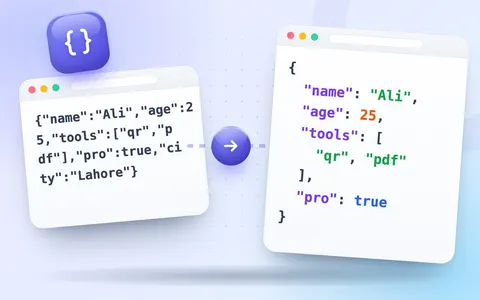 DeveloperJSON FormatterBeautify, minify, sort and validate JSON with clear error messages.Open tool
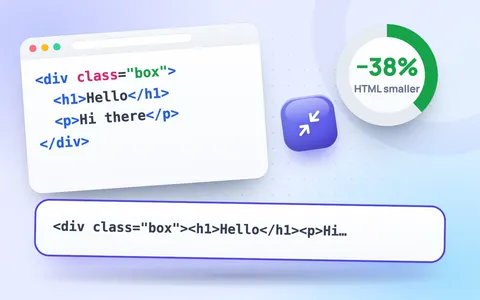 DeveloperHTML MinifierMinify HTML by removing comments and extra whitespace.Open tool
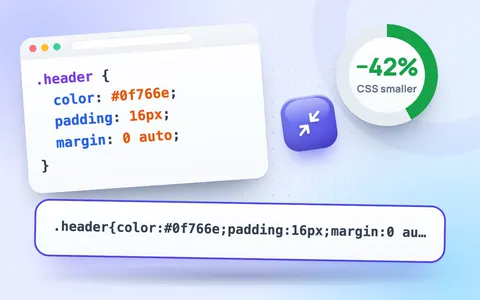 DeveloperCSS MinifierCompress CSS by removing comments, whitespace and extra characters.Open tool
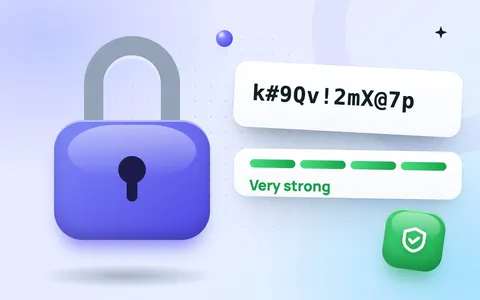 DeveloperPassword GeneratorGenerate strong, random passwords with custom length and characters.Open tool
 DeveloperQR Code GeneratorCreate QR codes for links, text, phone, email, Wi-Fi and WhatsApp.Open tool
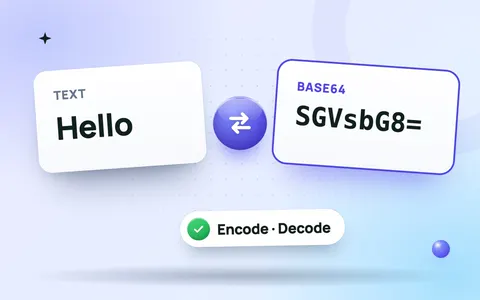 DeveloperBase64 Encoder / DecoderEncode text to Base64 or decode Base64 back to text (UTF-8 safe).Open tool
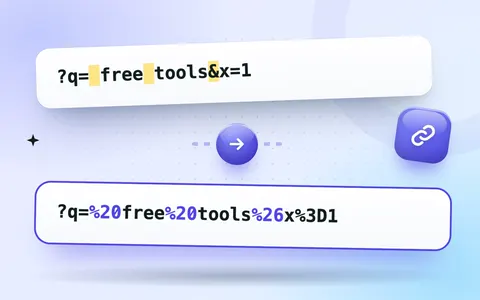 DeveloperURL Encoder / DecoderPercent-encode special characters in URLs or decode encoded links.Open tool
Free developer tools in your browser
Quick utilities for developers, site owners and marketers who work with code and data. Every tool runs locally, so API responses, tokens, passwords and client data never leave your machine.
What is included
- Data: format, minify, sort and validate with the JSON formatter and JSON validator.
- Performance: shrink markup and styles with the HTML minifier and CSS minifier.
- Encoding: the Base64 encoder/decoder and URL encoder/decoder.
- Security: strong, random passwords from the password generator.
- Sharing: the QR code generator for links, WiFi and WhatsApp.
Why local tools are safer
Pasting sensitive data into online tools that send it to a server is a real security risk. Our developer tools use standard browser APIs such as JSON.parse, TextEncoder and crypto.getRandomValues, so the work happens on your device. You can even disconnect from the internet after the page loads and the tools keep working.
Frequently asked questions
Is my code or JSON sent to a server?
No. Formatting, validation, minifying and encoding all run in your browser, so API keys, tokens and private data in your code stay on your device.
Is minified CSS or HTML safe to use in production?
Yes. Minifying only removes spaces, line breaks and comments, so the code works exactly the same while loading faster. Keep the original file for editing.
What is the difference between Base64 and URL encoding?
Base64 turns any data, such as an image or binary file, into plain text. URL encoding replaces characters that are not allowed in a web address, such as spaces and &, with codes like %20 and %26.
Are the developer tools free?
Yes. They are free, with no sign-up and no usage limits.