
Email attachment limits
- Gmail: 25 MB in total per email.
- Outlook: 20 MB.
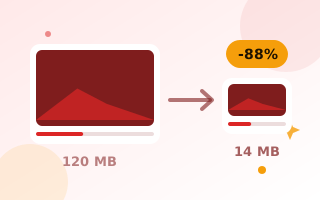
The target size above is set to 19 MB, which fits both. Emails are also slightly larger than the files you attach, so it is wise to stay a little under the limit.
How to compress a video for email
- Drop your video onto the box above.
- Check the target size. Lower it if you want to attach other files too.
- Click Compress video, wait until it finishes, and download.
Too long to fit?
Long videos cannot fit into 20 MB and still look sharp. Choose 480p, or share the video through a cloud link instead. For a short preview, make a GIF with the video to GIF converter.
Frequently asked questions
What is the maximum video size for Gmail?
Gmail attachments are limited to 25 MB per email. Larger files are shared as a Google Drive link.
Is my video uploaded?
No. Compression runs in your browser, so the video stays on your device.
Which format will I get?
MP4 in Chrome, Edge and Safari, and WebM in Firefox.