
Why is my video too big for WhatsApp?
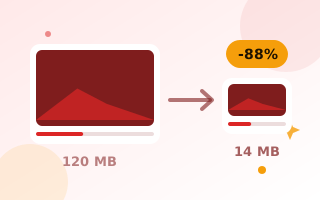
WhatsApp sends videos as media up to 16 MB. Bigger videos have to be sent as a document, which the other person must download before watching, or WhatsApp squeezes them heavily itself. Compressing the video to just under 16 MB first keeps it looking good and sends it right in the chat.
How to compress a video for WhatsApp
- Drop your video onto the box above. The target size is already set to 15 MB and the resolution to 720p.
- Click Compress video and keep the tab open until it finishes.
- Download the smaller file and send it on WhatsApp.
Tips
- Long videos have to be squeezed hard to fit 16 MB. Anything over about 3 minutes looks best at 480p.
- For WhatsApp Status, trim the video to 60 seconds or less first.
- To share only the sound, convert it with the video to MP3 converter.
Frequently asked questions
What is the WhatsApp video size limit?
Videos sent as media are limited to 16 MB. Larger files can be sent as documents.
Is my video uploaded?
No. The video is compressed in your browser and never leaves your device.
How long does it take?
About as long as the video itself, because it is re-encoded in real time.