
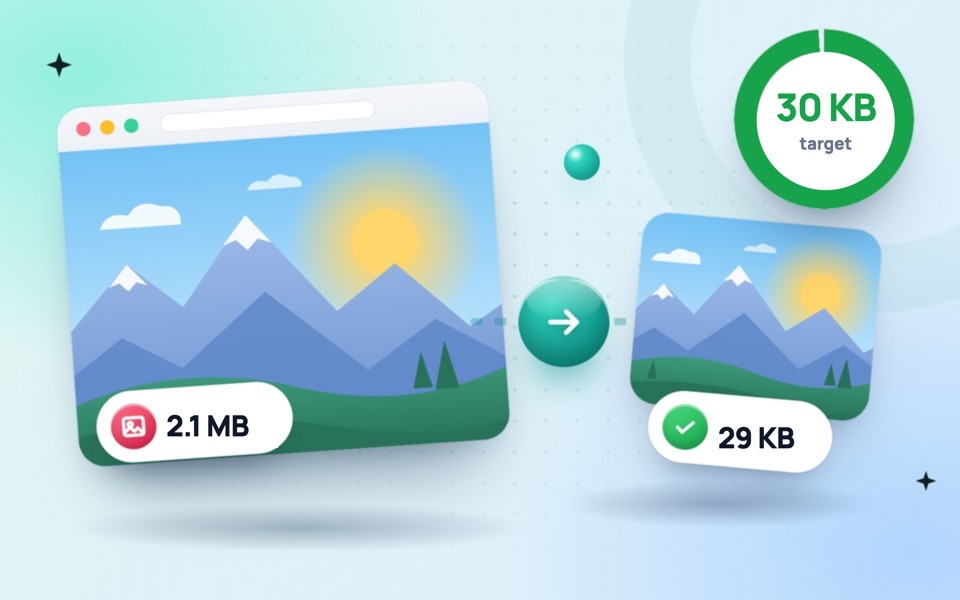
Reduce any photo to under 30 KB
A 30 KB limit is common for passport-style photos on admission, scholarship, government job and exam portals. It gives noticeably more room than 10 or 20 KB, so a well-cropped face photo can stay clear and sharp. This tool tests different quality levels and picks the best one that fits under 30 KB, reducing the dimensions only if it has to.
How to compress an image to 30 KB
- Drop your photo or signature into the box above. The target is already set to 30 KB.
- The image is compressed automatically. Several files can be done at once.
- Check the new size, then click Download or Download all.
Get the photo right before compressing
- Use the right shape. Make a 35 × 45 mm passport-style photo with the passport size photo maker first, then compress it here.
- Plain, light background. A white wall keeps the file small and is what most forms require. A messy background can be replaced with the background remover.
- Follow the pixel size printed in the form instructions, for example 200 × 230 or 300 × 400 pixels, using the image resizer.
When the form asks for a range, such as 20–30 KB
Some portals reject files that are too small as well as too big. This tool aims for the highest quality under 30 KB, so the result usually lands close to the limit, comfortably above 20 KB. If a form needs a different range, type the number you want into Target file size.
See our guide to reducing photo size for online forms for more limits and tips, or read about passport photo sizes in cm and pixels.
Frequently asked questions
How do I reduce photo size to 30 KB?
Drop the photo into this tool. The target is already set to 30 KB, so it is compressed automatically, and you can download it straight away.
Will my photo be clear at 30 KB?
Yes. A cropped passport-style photo of around 300 × 400 pixels looks clear at 30 KB.
Can I compress several photos to 30 KB at once?
Yes. Drop multiple images together and each one is fitted under 30 KB. Use Download all to save them.
Does it work on mobile?
Yes. It works in any modern browser on Android and iPhone, with no app to install.