Passport Size Photo: Size, Background & How to Make One Online
Passport offices, visa portals, university admissions and job sites all ask for a “passport size photo”, but each one seems to want something slightly different: a different size, a different background or a maximum file size in KB. This guide explains the common passport photo sizes in centimetres, inches and pixels, the rules most countries share, and how to turn a phone photo into a correct passport photo online for free.
Common passport photo sizes
| Where it is used | Size | Pixels at 300 DPI |
|---|---|---|
| Pakistan, India, UK, Schengen/EU and many other countries | 35 × 45 mm (3.5 × 4.5 cm) | 413 × 531 px |
| United States passport and visa | 2 × 2 inches (51 × 51 mm) | 600 × 600 px |
The 35 × 45 mm size is the most common in the world. Online portals often also state a pixel range or a maximum file size, for example “under 100 KB” or “between 20 KB and 50 KB”. Those limits are set by each portal, so always read the instructions on the page where you upload.
The rules most passport photos share
- Recent photo: usually taken within the last six months.
- Plain, light background: white is the most common requirement; some countries, such as the UK, ask for light grey or cream. No patterns, shadows or other people.
- Face straight to the camera: neutral expression, mouth closed, both eyes open and clearly visible.
- Head size: your head (chin to top of hair) should fill most of the photo’s height, roughly 70–80% on a 35 × 45 mm photo.
- Even lighting: no shadows on the face or behind the head, and no red eye.
- Glasses: many countries now ask you to remove them. If you keep them, there must be no glare and the eyes must be fully visible.
- Head coverings: usually only allowed for religious or medical reasons, with the full face visible from chin to forehead.
- No edits: beauty filters and changes to your face are not allowed. Resizing, cropping and replacing the background with a plain colour are normally fine, but check your country’s rules.
Rules change from time to time and differ between countries, so treat this list as a guide and confirm the details on your passport office’s or embassy’s official website.
How to take a passport photo with your phone
- Stand about half a metre in front of a plain white or light wall.
- Face a window so daylight falls evenly on your face. Avoid the flash, which causes shadows and shine.
- Ask someone to hold the phone at your eye level, about 1–1.5 metres away. Selfies distort the face, so avoid them if you can.
- Keep a neutral expression, look straight into the lens and take several shots.
- Pick the sharpest photo with no shadows on the wall behind you.
How to make a passport size photo online, free
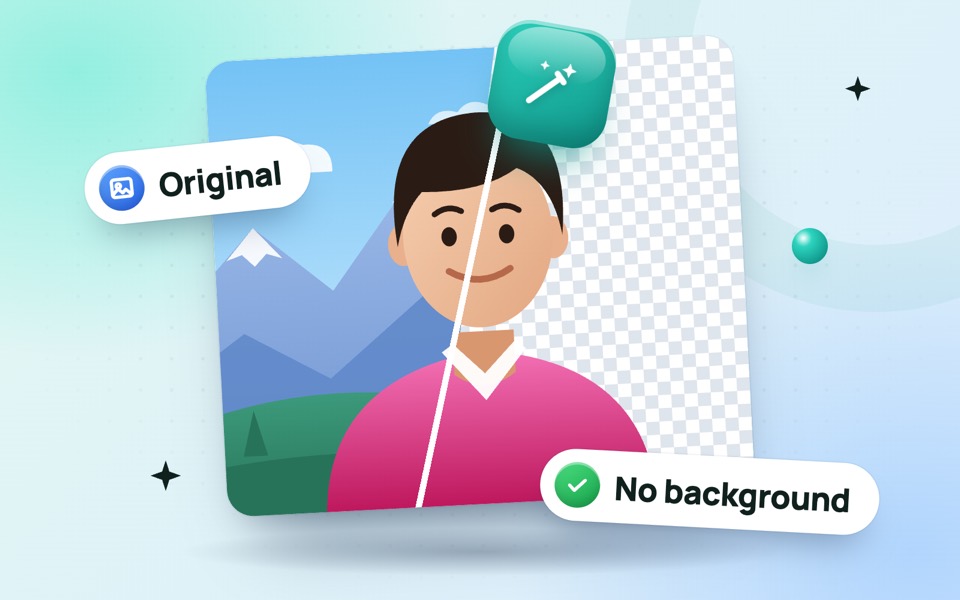
- Fix the background (if needed). If the wall was not plain, open the background remover, then choose a white (or other required) background colour and download the photo.
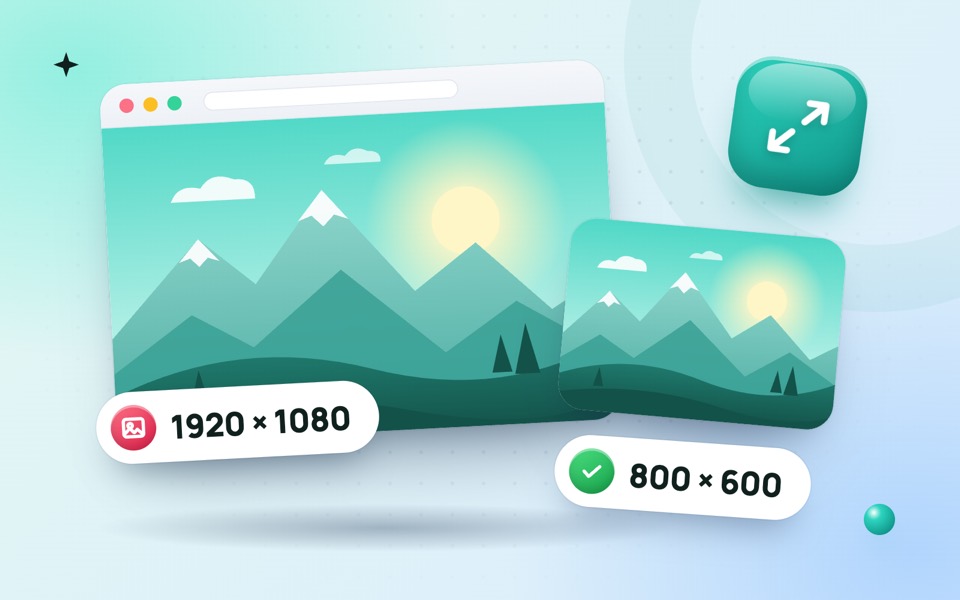
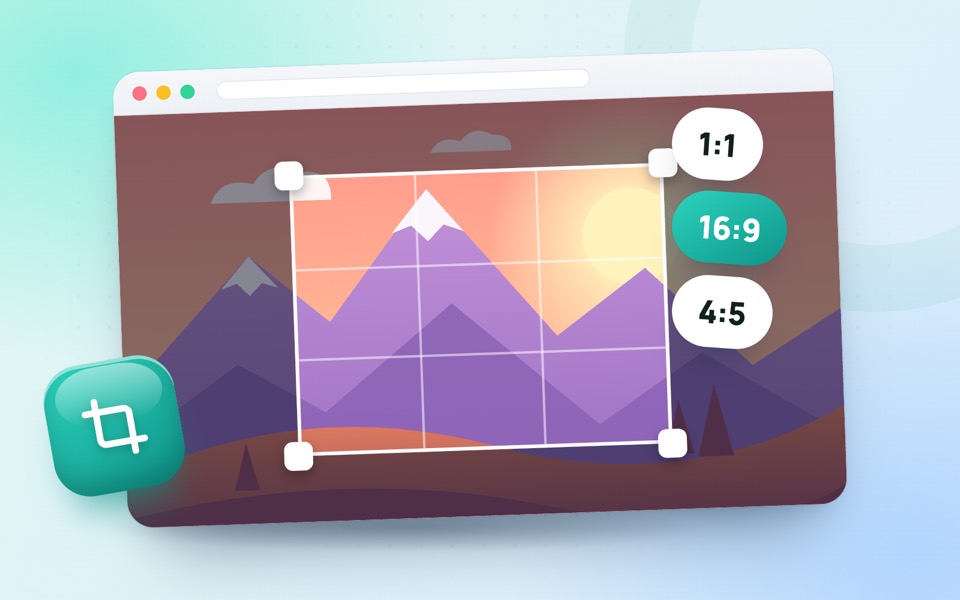
- Resize to passport size. Open the passport size photo resizer. It is set to 35 × 45 mm (413 × 531 px at 300 DPI); change it to 600 × 600 px for a US 2 × 2 inch photo. Position your face so the head fills most of the frame, then download.
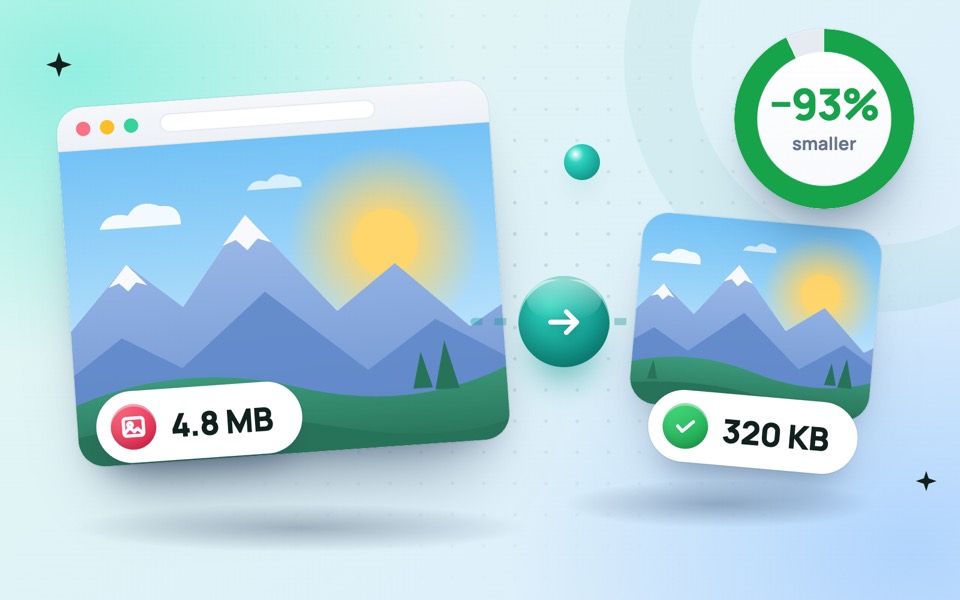
- Meet the KB limit. If the portal has a maximum file size, use the compress to 50 KB or compress to 100 KB tool. Our guide on reducing photo size for online forms covers other limits.
- Need it as a PDF? Some forms ask for documents in PDF format. Use the JPG to PDF converter.
All of these tools run in your browser, so your photo is never uploaded to a server, which matters for something as personal as an ID photo.
Printing passport photos at home or in a shop
For printed photos, most shops can print several passport photos on one 4 × 6 inch (10 × 15 cm) photo paper. Save your resized photo at high quality, tell the shop the exact size you need (for example 35 × 45 mm), and ask them not to “fit” or stretch the image. Use matte or glossy photo paper, not plain paper, unless the office says otherwise.
Common mistakes that get photos rejected
- A shadow behind the head or a grey, uneven background.
- The head too small or too large in the frame, or tilted to one side.
- Smiling widely, or the eyes half closed.
- Glare on glasses, or hair covering the eyes.
- A blurry, over-compressed or stretched photo. Compress only as much as the portal requires.
- An old photo that no longer looks like you.
Frequently asked questions
What is passport size photo size in cm?
In most countries, including Pakistan, India and the UK, it is 3.5 cm wide and 4.5 cm high (35 × 45 mm). US passport photos are 2 × 2 inches (5.1 × 5.1 cm).
What is passport size photo size in pixels?
At 300 DPI, a 35 × 45 mm photo is 413 × 531 pixels and a US 2 × 2 inch photo is 600 × 600 pixels. Online portals may ask for a different pixel size, so follow their instructions.
Can I make a passport photo on my phone?
Yes. Take the photo against a plain wall in daylight, then resize it with a free online passport photo resizer in your phone’s browser. No app is needed.
Can I change the background of my passport photo?
Replacing a messy background with a plain white or light colour is usually accepted, as long as your face is not altered. Check your country’s official rules to be sure.