Instagram Image Sizes 2026: Post, Story, Reel & Profile
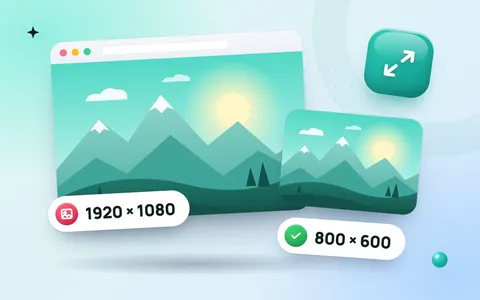
A photo that is the wrong size on Instagram gets cropped in odd places or looks soft after upload. Using the right dimensions keeps faces, text and products exactly where you want them. Here are the Instagram image sizes for 2026 (posts, stories, Reels and profile photos) and a free way to resize any photo with the Instagram image resizer.
Instagram image sizes at a glance
| Type | Size in pixels | Aspect ratio |
|---|---|---|
| Square post | 1080 × 1080 | 1:1 |
| Portrait post | 1080 × 1350 | 4:5 |
| Tall portrait post | 1080 × 1440 | 3:4 |
| Landscape post | 1080 × 566 | 1.91:1 |
| Story and Reel | 1080 × 1920 | 9:16 |
| Profile photo | 320 × 320 (shown as a circle) | 1:1 |
Instagram now shows posts in the profile grid as 3:4 rectangles, so portrait posts (4:5 or 3:4) fill the screen best in both the feed and your profile.
Which size should you use?
- Feed posts: portrait 1080 × 1350 takes up the most space in the feed, which means more attention.
- Carousels: every slide uses the size of the first slide, so make them all the same.
- Stories and Reels: 1080 × 1920. Keep text away from the top and bottom 250 pixels, where Instagram shows the profile name and buttons.
- Reel cover: the grid shows the middle part only, so keep the title in the centre.
How to resize a photo for Instagram (free)
- Open the resize image for Instagram tool. It is preset to 1080 × 1080.
- Drop your photo into the box.
- For portrait or story sizes, type the width and height from the table above.
- Keep Crop to fill on, so the photo is centred with no stretching.
- Click Resize & download.
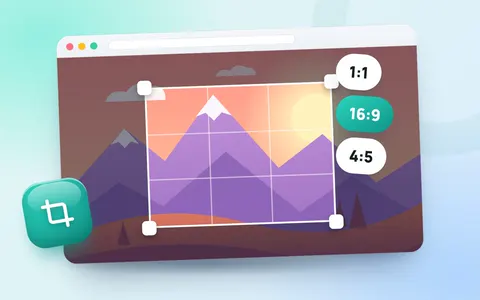
Want to choose exactly what stays in the frame? Use the image cropper with the 1:1, 4:5 or 9:16 ratio and drag the box over the part you want.
Tips to keep photos sharp
- Upload at 1080 pixels wide. Smaller images are stretched and look blurry; much bigger ones are compressed harder by Instagram.
- Use JPG at high quality. PNG files are converted anyway and often lose more detail.
- Turn on high-quality uploads in Instagram settings under Data usage and media quality.
- Do not re-upload screenshots of screenshots. Each copy loses detail.
Finish the post: caption and hashtags
A sharp photo needs a good caption too. Get ideas with the Instagram caption generator and a balanced set of tags with the hashtag generator.
Frequently asked questions
What is the best Instagram post size in 2026?
1080 × 1350 pixels (4:5) for feed posts. It fills more of the screen than a square post. Instagram also accepts 1080 × 1440 (3:4).
What size is an Instagram story?
1080 × 1920 pixels, a 9:16 vertical image. Reels use the same size.
Why does Instagram crop my photo?
Instagram crops photos that are taller than 4:5 or wider than 1.91:1. Resize or crop the photo to a supported ratio before you upload it.
What size is an Instagram profile picture?
Upload at least 320 × 320 pixels. It is shown as a circle, so keep your face or logo in the centre.