How to Check if Text Was Written by AI (Free, No Sign-Up)
An essay that reads a little too smoothly. A cover letter that sounds like every other cover letter. A blog post full of “delve into” and “in today’s fast-paced world”. Since ChatGPT arrived, teachers, editors and recruiters all ask the same question: was this written by a person or by AI? This guide shows you how to check any text for free in under a minute, how to read the result, and the manual signs that help you decide when a score is not enough.
The quick way: use a free AI detector
- Open the free AI Detector.
- Paste the text. Use at least 80 words; a few paragraphs give a much more reliable result than one or two sentences.
- Click Check for AI. The first time, a small language model (about 85 MB) downloads and is saved in your browser, so later checks take about a second.
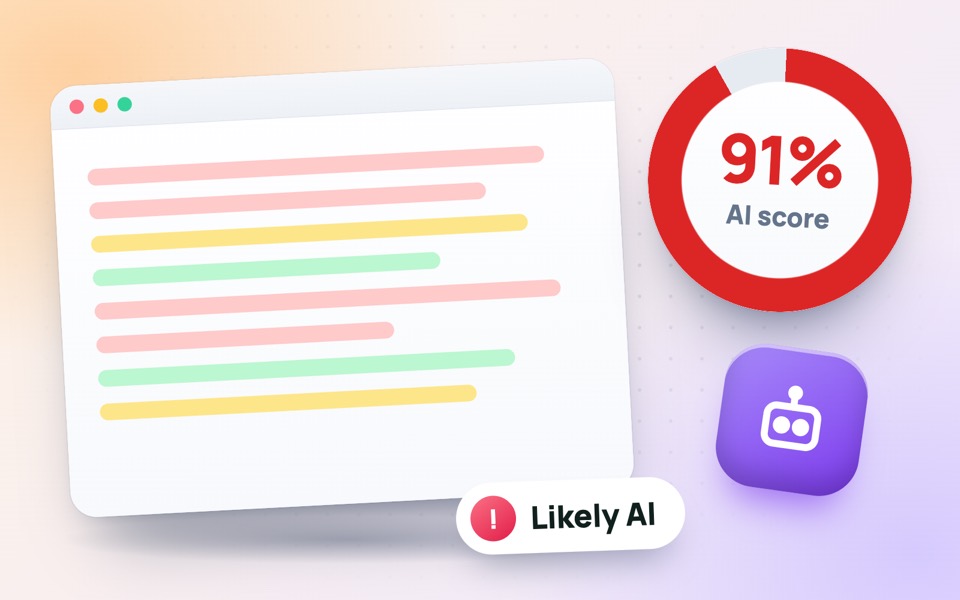
- Read the AI score, then look at the coloured sentences: red parts look machine-written, green parts look human.
The text is analysed on your own device and never uploaded, so you can safely check student work, unpublished articles or confidential documents.
How AI detectors actually work
Chatbots such as ChatGPT, Gemini and Claude write by picking the most likely next word, again and again. The result is fluent but unusually predictable. AI detectors measure that predictability with a score called perplexity: a language model reads the text and checks how surprised it is by each word. Low perplexity means the text is easy to predict, which is typical of AI. People make more unexpected word choices, so human writing usually scores higher.
Good detectors also look at sentence variety (humans mix short and long sentences; AI keeps a steady rhythm) and at phrases chatbots overuse. None of these signals is proof on its own, but together they give a useful estimate.
How to read the AI score
- 0–34% – likely human. The wording is varied and hard to predict.
- 35–64% – mixed. Parts may be AI-written, or a human may have edited AI text, or used AI to polish their own draft.
- 65–100% – likely AI. The text is very predictable and evenly paced, like typical chatbot output.
Always look at the sentence highlights, not just the number. A single red paragraph in an otherwise green essay tells a very different story from red text from start to finish.
Signs of AI writing you can spot yourself
Use these together with the score:
- Stock phrases: “in today’s fast-paced world”, “delve into”, “plays a crucial role”, “a testament to”, “navigate the complexities”, “in conclusion”.
- Perfect but empty: grammar is flawless, yet there are no personal examples, names, numbers or opinions.
- Same structure everywhere: every paragraph has an introduction sentence, three points and a neat summary.
- Balanced to a fault: “On the one hand… on the other hand…” with no clear conclusion.
- Facts that do not check out: made-up quotes, studies or references that you cannot find anywhere.
- A sudden change of voice: the style does not match the person’s earlier emails, homework or messages.
Why no AI detector is 100% accurate
Every detector, including well-known paid ones, can be wrong. Simple, formal or technical writing, legal text, lists and writing by non-native English speakers can look predictable and score high even when a person wrote every word. On the other hand, AI text that has been rewritten by hand or run through a “humaniser” can score low. Short texts are the hardest to judge.
That is why a score should start a conversation, not end one. Never accuse a student or employee based on a detector alone.
A fair process for teachers and editors
- Run the detector and note which sentences are highlighted.
- Compare the text with the writer’s earlier work for style and vocabulary.
- Check any facts, quotes and sources that look suspicious.
- Ask the writer to explain their ideas or show drafts and notes. People who wrote something can usually talk about it easily.
- Decide based on all the evidence, and keep in mind that using AI for spelling or ideas may be allowed under your rules.
How to make your own writing sound human
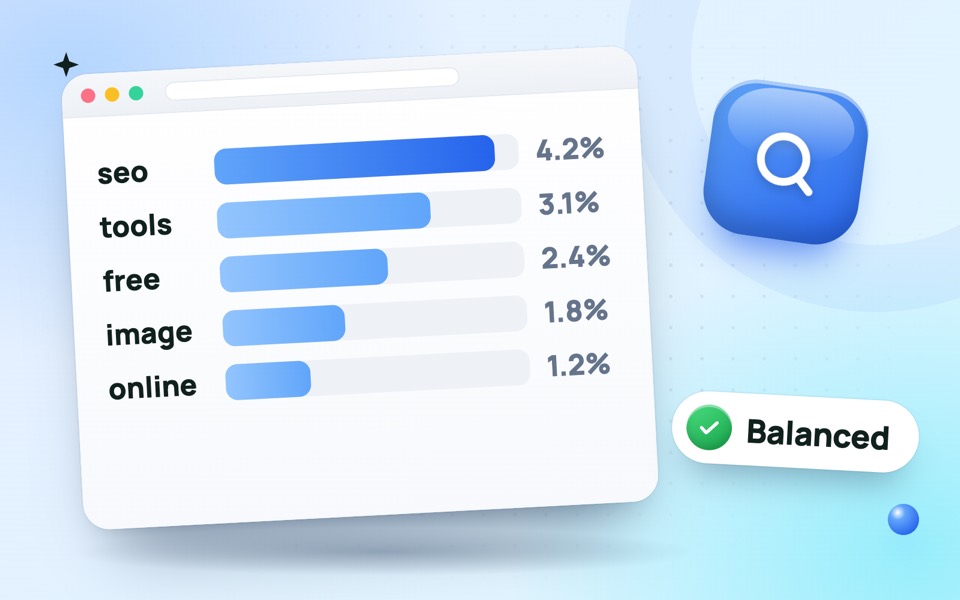
If you write your own work and want to avoid false flags, add real examples and details from your experience, vary your sentence length, cut filler such as “it is important to note that”, and write the way you would explain the topic to a friend. Check the length with the word counter, and if you wrote for the web, make sure you are not repeating your keyword too often with the keyword density checker.
Frequently asked questions
Can teachers tell if I used ChatGPT?
Often, yes. Detectors flag very predictable text, and teachers notice when an assignment does not match your usual style or contains facts you cannot explain.
Is the ToolMaxo AI Detector free?
Yes. It is free, with no sign-up and no daily limit, and your text stays on your device.
Does it work for Urdu or Hindi?
The model is trained on English, so results are only reliable for English text.
How many words do I need?
At least 80 words. Results become much more reliable from about 150 words.