
How to check if text was written by AI
- Paste the text into the box above. Use at least 80 words; a few paragraphs give the most reliable result.
- Click Check for AI. The first time, a small AI model (about 85 MB) downloads and is saved in your browser.
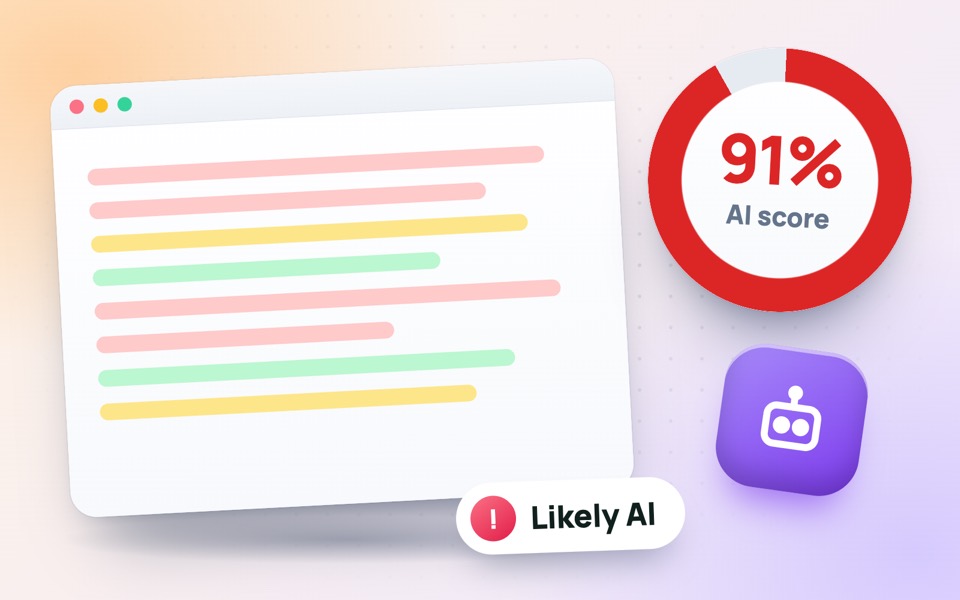
- Read the AI score and the verdict, then look at the highlighted sentences to see which parts look machine-written.
- Click Copy report if you want to share or save the result.
How this AI detector works
AI chatbots such as ChatGPT, Gemini and Claude write by choosing very likely next words. That makes their text unusually predictable. This tool runs a small language model (GPT-2) inside your browser and measures how surprised it is by each word of your text. That measure is called perplexity: low perplexity means predictable, machine-like text, while human writing usually scores higher because people make more unusual word choices.
The score also looks at two other signals:
- Sentence variety – people mix short and long sentences; AI text often keeps a steady rhythm.
- Typical AI phrases – expressions chatbots overuse, such as “in today’s fast-paced world”, “delve into”, “plays a crucial role” and “in conclusion”.
How to read the result
- 0–34% – likely human. The wording is varied and less predictable.
- 35–64% – mixed or unclear. The text may be partly AI-written, AI-assisted or heavily edited.
- 65–100% – likely AI. The text is very predictable and reads evenly, like typical chatbot output.
The coloured highlights show the score of each sentence, so you can see exactly which parts drive the result.
Important: no AI detector is 100% accurate
Every AI detector, including well-known paid tools, only estimates probability. Simple or formal human writing, lists, legal text and texts by non-native English speakers can look predictable and get a high score, while AI text that was rewritten by hand can pass as human. Never use a score alone to accuse someone of cheating or plagiarism. Treat it as one signal, and look at drafts, sources and the writer’s other work as well.
Who uses an AI content checker?
- Teachers and lecturers checking essays and assignments.
- Editors and website owners reviewing articles from freelance writers.
- Students and writers making sure their own work does not sound robotic before they submit it.
- Recruiters reading cover letters and job applications.
Tips to make your writing sound more human
Use your own examples and experiences, vary the length of your sentences, cut filler phrases such as “it is important to note that”, and write the way you would explain something to a friend. Then check your word count with the word counter and your keyword use with the keyword density checker.
Is my text private?
Yes. The AI model runs in your browser, on your own device. Your text is never uploaded or stored, so it is safe to check unpublished work, student essays and confidential documents.
Frequently asked questions
Is this AI detector free?
Yes. It is completely free, with no sign-up and no daily limit.
Can it detect ChatGPT, Gemini and Claude?
It detects the typical patterns of text written by large language models, including ChatGPT, Gemini, Claude and Copilot. It does not identify which chatbot wrote the text.
How accurate is the AI detector?
It works best on 150 words or more of plain English prose. Like every AI detector it can be wrong, especially on short, very formal or heavily edited text, so use the score as a guide, not as proof.
Is my text uploaded anywhere?
No. The analysis runs in your browser and your text never leaves your device.
Does it work for Urdu, Hindi or other languages?
The model is trained on English, so results are reliable only for English text.
What is perplexity?
Perplexity measures how predictable a text is for a language model. AI-written text is usually very predictable (low perplexity), while human writing tends to be less predictable (higher perplexity).