How to Make a QR Code for Free (Link, WhatsApp, Wi-Fi)
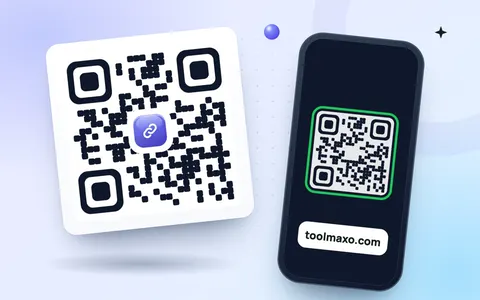
QR codes connect paper to your phone: scan a code on a menu, flyer, business card or shop counter, and a website, WhatsApp chat or Wi-Fi network opens instantly. You do not need an app or a paid account to make one. This guide shows how to make a QR code for free in a minute with the online QR code generator, and how to make sure it scans every time.
What can a QR code open?
| Type | What happens when scanned | Good for |
|---|---|---|
| URL | Opens a website | menus, flyers, product packaging |
| Opens a chat with your number | shops, delivery, customer support | |
| Wi-Fi | Joins your network without typing a password | homes, cafés, offices |
| Phone | Calls your number | business cards, signs |
| Opens a new email to you | events, feedback | |
| Text | Shows a short message | labels, instructions |
How to make a QR code for free
- Open the free QR code generator.
- Choose the type: URL, Text, Phone, Email, Wi-Fi or WhatsApp.
- Type the details, for example your website address. The QR code updates as you type.
- Choose a size, colours and error correction (Medium is a good default).
- Download it as PNG for screens and documents, or SVG for printing at any size.
The codes are static: the information is stored inside the code itself, so it never expires and needs no account. There are also shortcuts for the two most popular types: the WhatsApp QR code generator and the Wi-Fi QR code generator (step-by-step guide: share Wi-Fi with a QR code).
Static vs dynamic QR codes
- Static (what you make here): free forever, works offline, but the content cannot be changed after printing.
- Dynamic (paid services): points to a short link you can change later and shows scan counts, but stops working if the subscription ends.
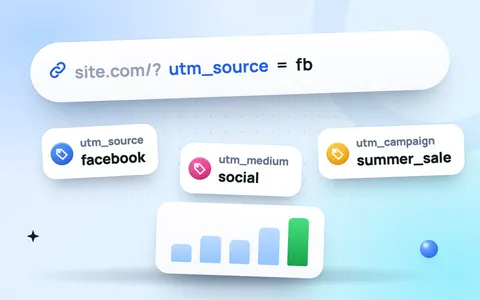
Want scan counts with a free static code? Point it to a link with UTM parameters made with the UTM builder, then see the visits in Google Analytics.
Tips so your QR code always scans
- Size: print it at least 2 × 2 cm, bigger if people scan from a distance (posters: about 1/10 of the scanning distance).
- Contrast: dark code on a light background. Light codes on dark backgrounds fail on many phones.
- Quiet zone: leave white space around the code. Do not crop it tight.
- Short content: shorter links make simpler codes that scan faster.
- Test before printing with two different phones.
Frequently asked questions
How do I make a QR code for free?
Open a free QR code generator, choose the type (for example URL), enter your link and download the code as PNG or SVG. No sign-up is needed on ToolMaxo.
Do free QR codes expire?
Static QR codes never expire, because the information is stored in the code itself. Only dynamic codes from paid services can stop working.
Can I make a QR code for my WhatsApp number?
Yes. Choose WhatsApp, enter your number with the country code and an optional message. Scanning it opens a chat with you.
Which format is best for printing a QR code?
SVG, because it stays perfectly sharp at any size. Use PNG for websites, documents and social posts.