How to Extract Audio From a Video (Video to MP3, Free)
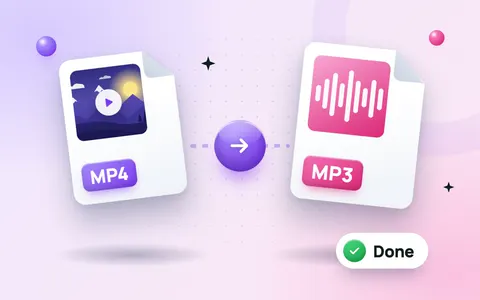
Sometimes you only need the sound from a video: a lecture you recorded, a speech from a wedding, a podcast you filmed or a song you played yourself. Audio files are much smaller than video and play anywhere, even with the screen off. This guide shows how to extract audio from a video and save it as MP3 for free, on phone or computer, with the online video to MP3 converter.
How to convert a video to MP3 online
- Open the free video to MP3 converter.
- Drop your video into the box, or tap to choose it. MP4, MOV, WebM and M4A files work.
- Choose MP3 and a quality (see the table below).
- Optionally type a start and end time in seconds to keep only part of the audio.
- Click Extract audio, listen to the result, then click Download.
The audio is extracted inside your browser, so your recording is never uploaded to a server.
Which MP3 quality should you choose?
| Bitrate | Best for | Size per minute (approx.) |
|---|---|---|
| 96 kbps | Speech, lectures, voice notes | 0.7 MB |
| 128 kbps | Podcasts, general use | 1 MB |
| 192 kbps | Music | 1.4 MB |
| 320 kbps | Music you want at the best quality | 2.4 MB |
For a recording of someone talking, choose Mono as well: it halves the file size and sounds the same. Choose WAV only if you plan to edit the audio, because WAV files are lossless but about ten times bigger.
Keep only the part you need
Use the start and end boxes to cut the audio. For example, to keep a speech that starts at 1:30 and ends at 4:00, type 90 as the start and 240 as the end. The MP3 contains only that part, so it is smaller and easier to share.
Useful things you can do
- Listen to recorded lectures and meetings like a podcast.
- Send a speech or a voice recording on WhatsApp as a small audio file.
- Turn a video you made into a podcast episode or background track.
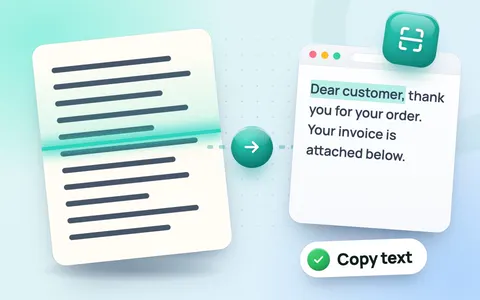
- Write up a recording: copy notes from the slides in the video with the image to text converter, then check the length with the word counter.
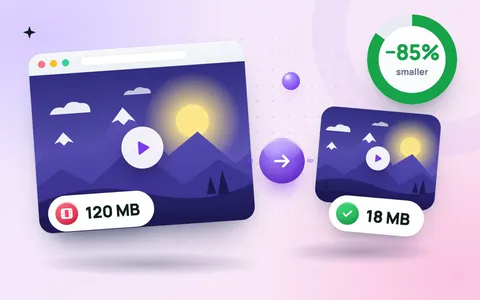
- Need the video too, just smaller? Use the video compressor instead.
Only convert videos you have the right to use
Extract audio from your own recordings, or from files you have permission to use. Downloading or converting music and videos owned by someone else, for example from YouTube, can break copyright law and the platform's terms.
Frequently asked questions
How do I extract audio from a video for free?
Open a free video to MP3 converter, add your video, choose MP3 and click Extract audio. The ToolMaxo converter does this in your browser without an upload or sign-up.
Can I convert MP4 to MP3 on my phone?
Yes. The online converter works in Chrome and Safari on Android and iPhone, so you do not need to install an app.
Does converting a video to MP3 reduce quality?
MP3 is compressed, but at 192 or 320 kbps most people cannot hear a difference. For speech, 96 or 128 kbps is plenty.
What is the difference between MP3 and WAV?
MP3 is small and plays everywhere. WAV is lossless and much larger, which is useful only if you will edit the audio later.